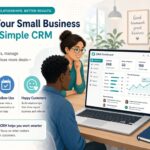


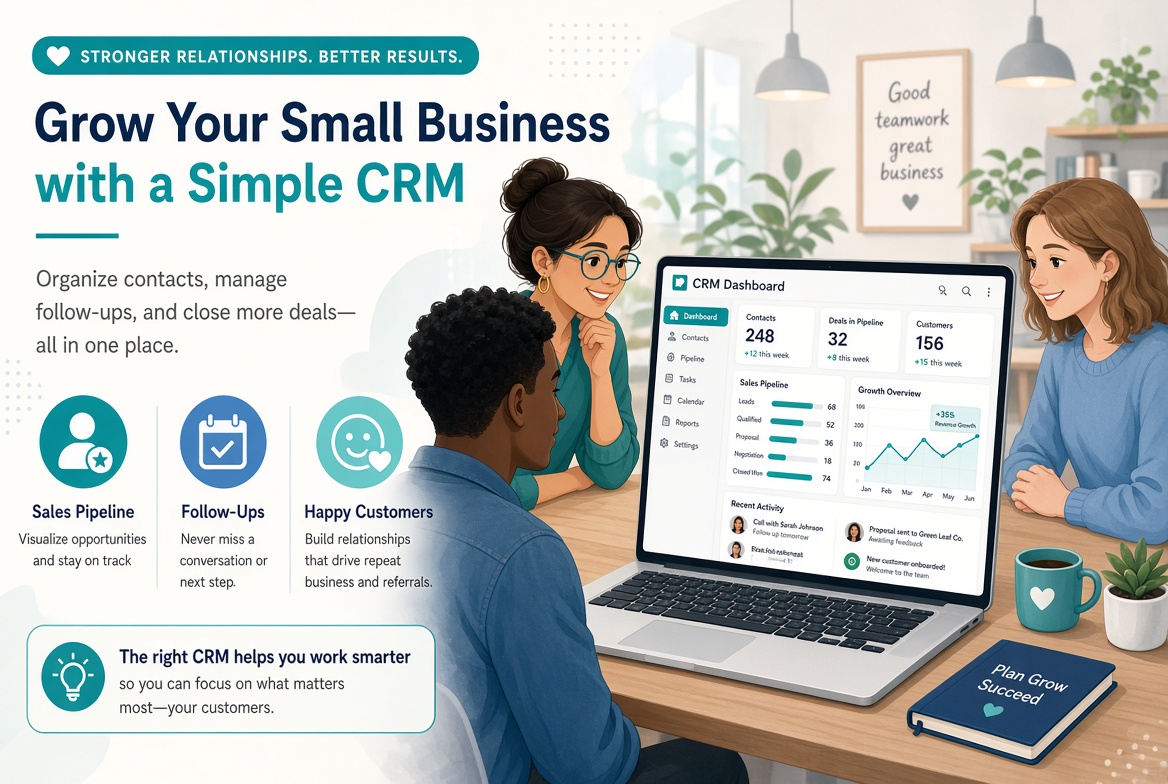
Small businesses do not need a massive, expensive CRM. They need a system that is simple enough to use every day, powerful enough to stop deals and customers from falling through the cracks, and affordable enough to pay for itself quickly.
In 2026, that is more achievable than ever. Cloud platforms, built-in automation, and AI assistance have made professional-grade customer management available to companies with 5, 15, or 50 employees — not just large enterprises.
The problem is that many small businesses either stay on spreadsheets too long or buy more CRM than they can realistically adopt. This guide shows you how to choose and use the right approach so the system actually helps you grow.
Why Small Businesses Need a CRM (Even If You Think You Don’t)
If you still manage customers in spreadsheets, email inboxes, or your head, you are already feeling the pain:
- Follow-ups get missed
- The same customer is asked the same questions twice
- You don’t know which leads are actually hot
- When someone is out, context disappears
- Growth makes everything messier instead of more organized
A good CRM solves this by giving you one place for contacts, conversations, deals, and next steps. You do not need every advanced feature. You need consistency.
Even modest improvements — fewer forgotten follow-ups, faster responses, clearer pipeline visibility — compound quickly in a small team.
What a Small Business CRM Should Actually Do
Ignore the long feature lists. For most small companies, these capabilities matter most:
Contact and company records Names, emails, phone numbers, notes, and history in one place.
Simple pipeline A visual way to see where each deal stands and what happens next.
Activity tracking Calls, emails, meetings, and tasks tied to the right person.
Reminders and follow-ups So nothing important is forgotten.
Basic automation Welcome emails, task creation, or status updates that save time.
Mobile access So you can update records from a meeting, job site, or your phone.
Reporting that is actually useful How many new leads this month? What’s in the pipeline? What closed?
Easy integrations Email, calendar, invoicing, and maybe your website or booking tool.
If a platform makes these five or six things simple, it is already valuable. Extra modules can come later.
How to Choose the Right CRM as a Small Business
Use this practical filter:
1. Can your team learn it in a week? If it feels like enterprise software, adoption will fail.
2. Is the pricing honest and predictable? Watch for per-user costs, required add-ons, and usage-based AI fees.
3. Does it work well on mobile? Many small-business owners live on their phones.
4. Can you start small? You should be able to begin with contacts + pipeline and add more later.
5. Will it grow with you for 2–3 years? You don’t want to rip it out as soon as you hire a few more people.
Popular options that often work well for small businesses include HubSpot (free tier and paid), Pipedrive, Zoho CRM, Monday.com, and several simpler sales-focused tools. The “best” one is the one your team will actually use.
Run a short trial with real contacts and real deals. If people complain after three days, listen.
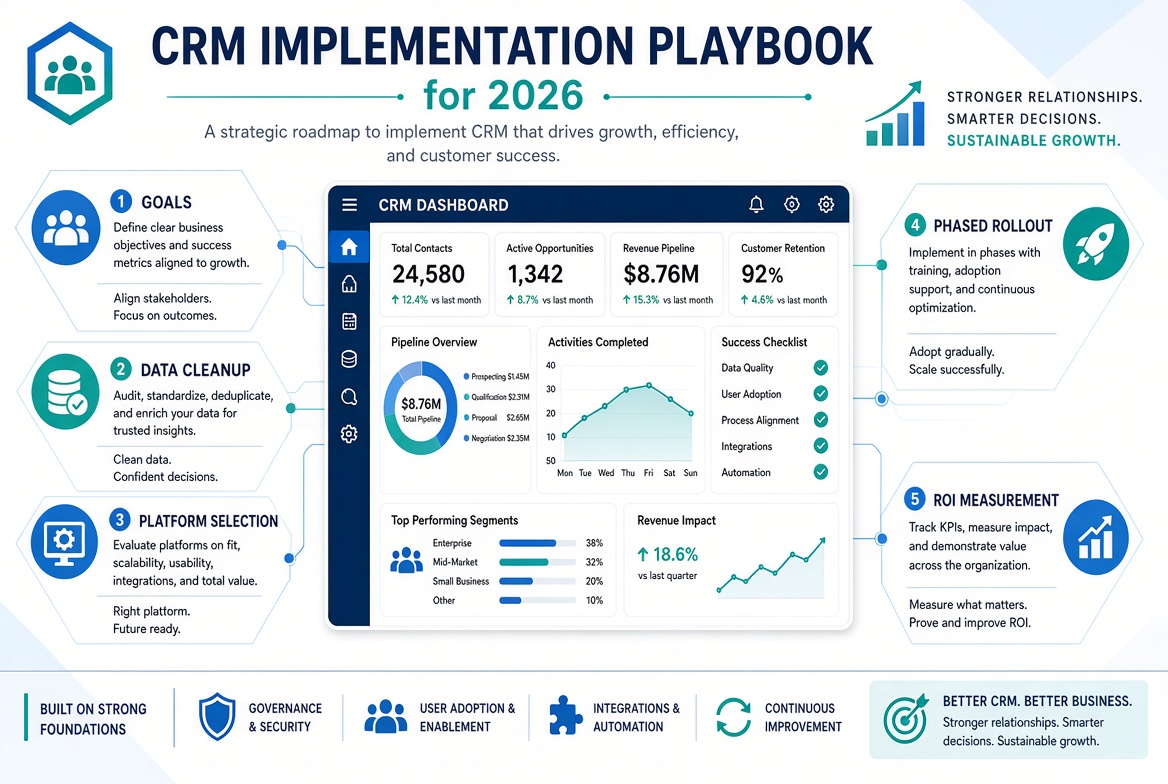
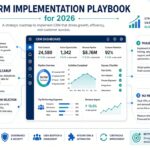
A Simple Implementation Plan That Works for Small Teams
You do not need a six-month project.
Week 1: Get the basics in Create the account. Import your best current contacts. Set up a simple pipeline with 4–6 stages.
Week 2: Make it part of the daily routine Agree on the minimum: every new lead goes in, every important conversation is logged, every deal has a next step and date.
Week 3: Add light automation Examples: create a follow-up task when a deal moves stage, or send a simple thank-you email after a meeting.
Week 4: Review and tighten Look at what’s missing, what’s unused, and what still lives in email or notebooks. Clean it up.
That’s enough to start seeing value. Advanced AI agents, complex reporting, and deep integrations can wait until the foundation is solid.
How to Get Your Team to Actually Use It
This is where most small-business CRM projects stall.
What helps:
- Keep required fields to a minimum
- Make the pipeline match how you really sell
- Lead by example — the owner or manager must use it
- Review the pipeline together once a week
- Remove anything that feels like extra admin
- Celebrate when the system prevents a missed follow-up or helps close a deal
If the CRM feels like extra work instead of a helpful memory and organizer, people will abandon it.
What Success Looks Like for a Small Business
You do not need enterprise dashboards. These signs are enough:
- You can open the CRM and immediately see your active deals
- Follow-ups happen on time
- A teammate can pick up a customer conversation without asking you
- You spend less time hunting through email
- You have a clearer picture of what’s coming this month and next
When those things improve, revenue and customer experience usually follow.
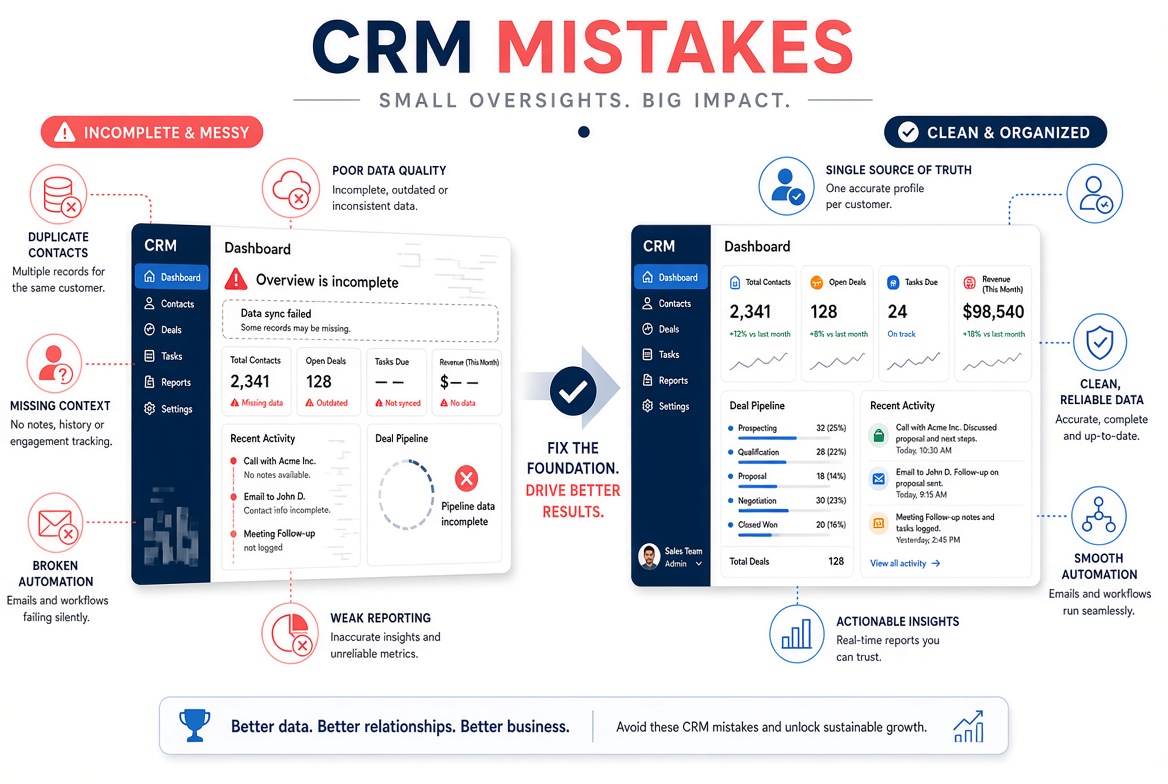
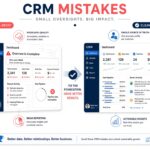
Common Small-Business CRM Mistakes
- Buying a system that is too big
- Importing years of messy data on day one
- Trying to automate everything immediately
- Never defining a simple sales process
- Letting the owner keep the “real” list in their head or phone
- Ignoring the system after the first two weeks
Start simpler than you think you need. You can always add complexity later. You cannot easily recover from a tool nobody uses.
Final Advice
For a small business in 2026, the winning CRM strategy is not “get the most powerful platform.” It is “get a system your team will use every day.”
Choose something straightforward. Put your active customers and deals in it. Create a simple process. Review it weekly. Add automation only after the basics are consistent.
That approach gives you the benefits of professional customer management — better follow-up, clearer pipeline, less chaos — without the cost, delay, or complexity of an enterprise rollout.
The businesses that grow smoothly are rarely the ones with the most software. They are the ones that stay organized as they grow. A well-chosen, well-used CRM is one of the simplest ways to do that.